• Products
    • Control
      • Controller Hub
      • Application controller Pro 3
      • Application controller
      • Wireless application controller
      • Room control
      • Lighting Control Module
      • Blind control
      • Somfy blind control
      • Switches
      • Switch Hub
      • Smart switch touch
      • Smart switch rotary
      • Smart switch
      • Smart touch display
      • Scenepanel switches
    • Relay
      • Relay Hub
      • 4 Channel DALI relay + I/O
      • Smart relay controller
      • Smart fan controller
      • Smart blind controller
      • DALI relay
      • Smart IO
      • Sensors
      • Sensor Hub
      • Smart sensors
      • Air quality sensors
      • Thermal sensors
      • Weatherproof sensors
    • Drivers / Controllers
      • Smart driver
      • Wireless bridge
      • Smart PWM Controllers
      • DALI power supply
      • DALI-2 power supply
      • DALI power supply
      • Emergency
      • Emergency converter
      • Wireless emergency
      • Ektor emergency
      • —
      • All products
      • Product Datasheets
  • System
    • zencontrol system
      • Architecture overview
      • Size and architecture
      • Security
      • System resilience
      • Modern lighting control
      • Emergency testing
      • User access control
      • Plan view
      • Grid view
    • System layers
      • Software
      • Network
      • Control
      • Field
      • The Cloud
      • Cloud Hub
      • Plan view
      • Analytics
      • Power Dashboard
      • Customisable Dashboards
    • Integration
      • Integration Hub
      • DMX
      • MQTT
      • BACnet
      • DALI-2
      • Emergency testing
      • Control4
    • Standalone Hub
      • Standalone Hub
      • zencontrol connect
      • Standalone control (GEN 1)
      • Standalone Lighting Applications
      • Software & Apps
      • Software Hub
      • Switch 2 Application
    • Solutions
      • Wireless lighting control
      • Wellbeing
      • Human centric lighting
      • Smart buildings
      • Complex tasks
      • Learn about DALI
  • Support
    • FAQs & support
    • Downloads
    •   —
    • About us
    • About DALI
    •   —
    • Become a solutions provider
    • Become a distributor
    • Unrivalled support
  • News
  • Contact
    • Distributors
    • Solutions providers
  • Sign in
  • Products
    • Control
      • Controller Hub
      • Application controller Pro 3
      • Application controller
      • Wireless application controller
      • Room control
      • Lighting Control Module
      • Blind control
      • Somfy blind control
      • Switches
      • Switch Hub
      • Smart switch touch
      • Smart switch rotary
      • Smart switch
      • Smart touch display
      • Scenepanel switches
    • Relay
      • Relay Hub
      • 4 Channel DALI relay + I/O
      • Smart relay controller
      • Smart fan controller
      • Smart blind controller
      • DALI relay
      • Smart IO
      • Sensors
      • Sensor Hub
      • Smart sensors
      • Air quality sensors
      • Thermal sensors
      • Weatherproof sensors
    • Drivers / Controllers
      • Smart driver
      • Wireless bridge
      • Smart PWM Controllers
      • DALI power supply
      • DALI-2 power supply
      • DALI power supply
      • Emergency
      • Emergency converter
      • Wireless emergency
      • Ektor emergency
      • —
      • All products
      • Product Datasheets
  • System
    • zencontrol system
      • Architecture overview
      • Size and architecture
      • Security
      • System resilience
      • Modern lighting control
      • Emergency testing
      • User access control
      • Plan view
      • Grid view
    • System layers
      • Software
      • Network
      • Control
      • Field
      • The Cloud
      • Cloud Hub
      • Plan view
      • Analytics
      • Power Dashboard
      • Customisable Dashboards
    • Integration
      • Integration Hub
      • DMX
      • MQTT
      • BACnet
      • DALI-2
      • Emergency testing
      • Control4
    • Standalone Hub
      • Standalone Hub
      • zencontrol connect
      • Standalone control (GEN 1)
      • Standalone Lighting Applications
      • Software & Apps
      • Software Hub
      • Switch 2 Application
    • Solutions
      • Wireless lighting control
      • Wellbeing
      • Human centric lighting
      • Smart buildings
      • Complex tasks
      • Learn about DALI
  • Support
    • FAQs & support
    • Downloads
    •   —
    • About us
    • About DALI
    •   —
    • Become a solutions provider
    • Become a distributor
    • Unrivalled support
  • News
  • Contact
    • Distributors
    • Solutions providers
  • Sign in
  • Learn about DALI
    • Why choose DALI?
    • DALI features & information
    • DALI installation requirements
    • DALI-2
    • DALI scenes & groups
    • GTIN / Serial numbers
    • Addressing
    • Safety lighting
    • DALI speed
    • DALI applications
    • DALI memory
    • DALI for buildings
    • DALI for electricians
    • DALI for consultants
    • DALI for installers
    • DALI emergency: What & why
    • DALI emergency: Features
    • DALI emergency: As a standalone solution

Scenes and Groups with DALI

As well as individual control, DALI also supports two new concepts called Scenes and Groups. These concepts allow for the control of several different DALI devices with the use of one command.

Scenes

A scene is a configurable arc level that can be applied to Electronic Control Gear(ECG). An ECG can have up to 12 scene-values. Scenes can be given a label for each scene for each DALI group. When a scene command is sent across the DALI line, every DALI device receives the command and checks it’s memory. If it has a stored action the DALI device will perform the action, otherwise, it will ignore the command.

You can read about how to create scenes using zencontrol here.
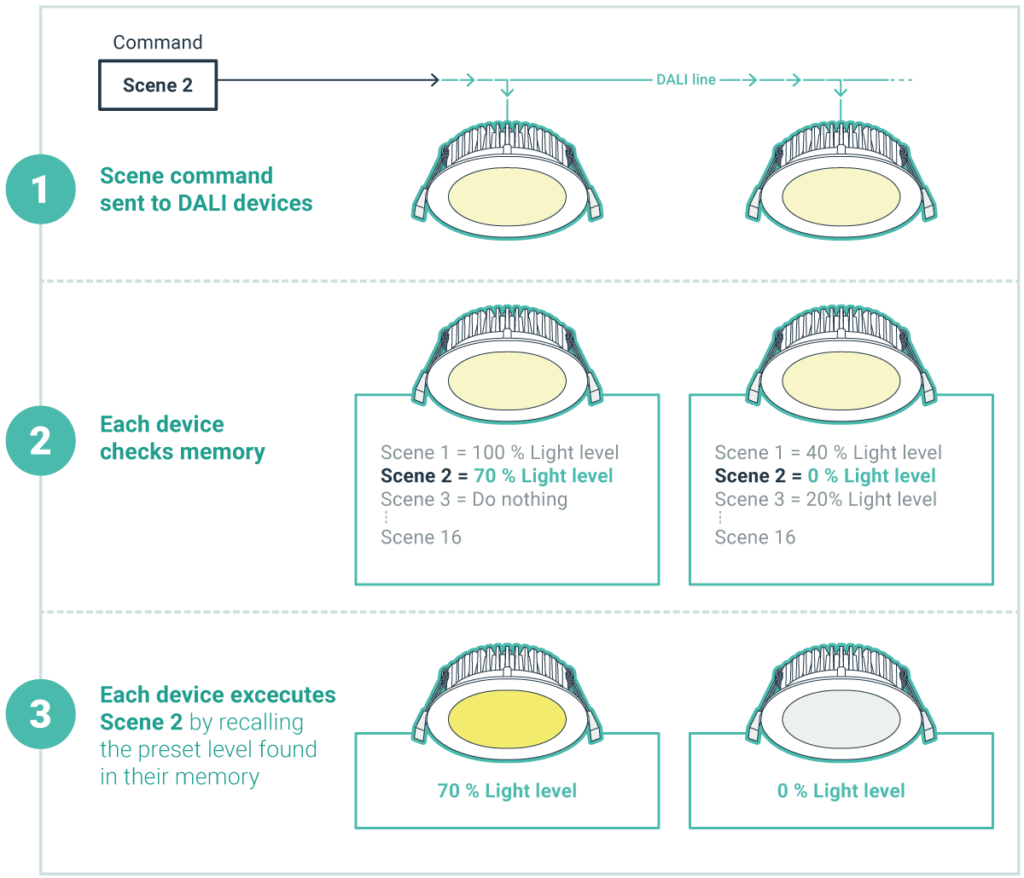
  • DALI scenes & groups

HINT: Think of a scene as a setting; for example in a meeting room you may want the lighting to have different settings for different tasks: meeting, presentation, video presentation, lunch.

Groups

Groups allow multiple DALI Devices on the same line to be grouped together which allows the devices to perform an action together.

Each DALI device can be assigned membership to a group or multiple groups. This grouping allows commands to be sent out in groups with all members of the group reacting to one individual group command. If a device is not part of the group it will be ignored.
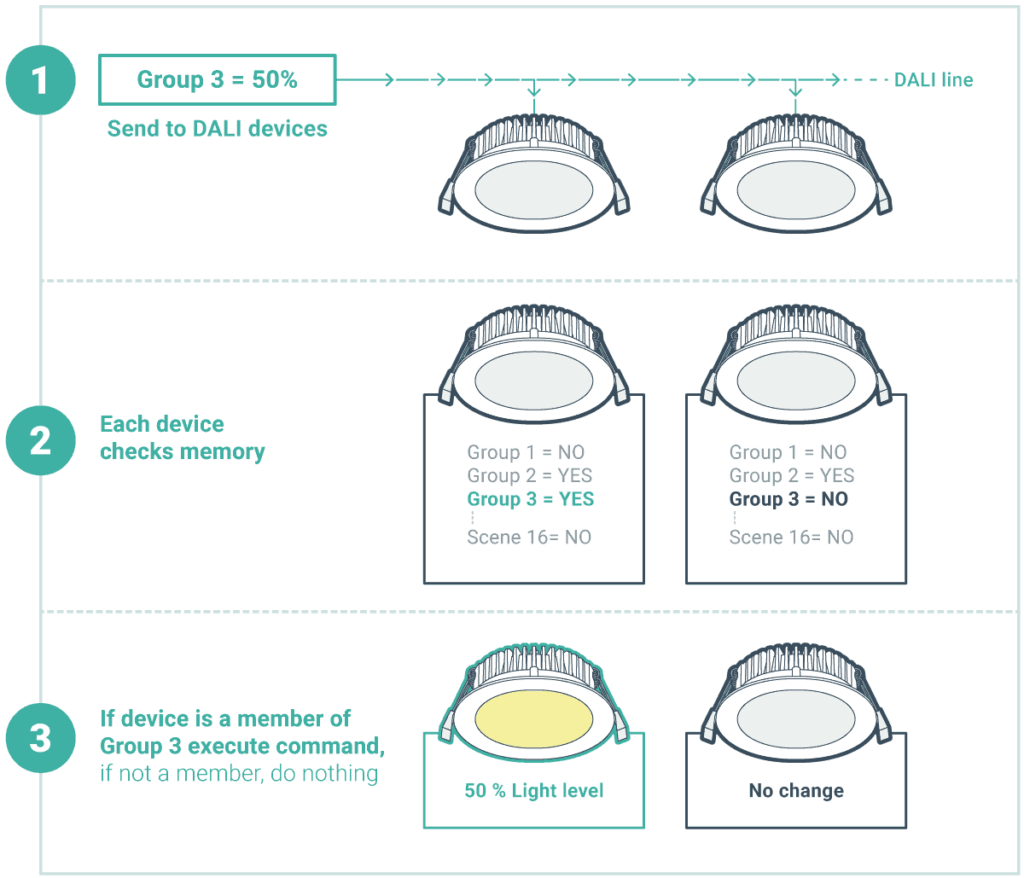
  • DALI scenes & groups

Applying groups and scenes

Traditional systems of lighting control do not always understand the application of groups and scenes. Many systems originally used each DALI device as an individual lighting channel, which is a slow and messy method.

Have you ever seen a room of lights turn on one by one? This is most likely a system that uses channel control and not group or scene control as was designed into DALI.  Some system providers will also say that DALI’s communication speed is slow, this is normally because they have taken the channel approach to DALI.

For example, if we compared a channel based system to a proper DALI control of a group of 20 light fittings, the channel based system would have to issue 20 individual commands, where the correct method would use one group command, achieving the goal 20x faster. It is recommend when selecting a DALI control system, that you ensure you decide on one which fully supports DALI groups and scenes (you would be amazed how many system providers still do not use the correct method, and blame their poor implementation on DALI.)

HINT: Group devices together into rooms or areas to perform functions easier.

DALI-2
GTIN / Serial numbers

Switches

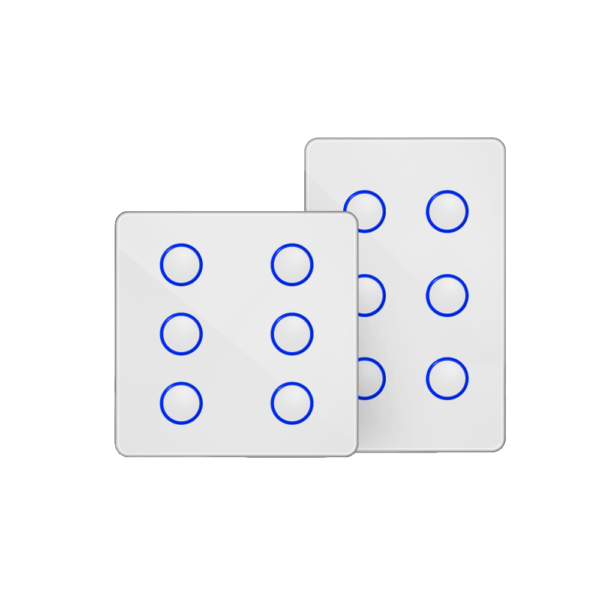
With its practically unlimited control our switches can be configured to preform almost any task, responding to scene and group commands.

DALI scenes & groups
Go to
DALI-2 switch 6
DALI scenes & groups
Go to
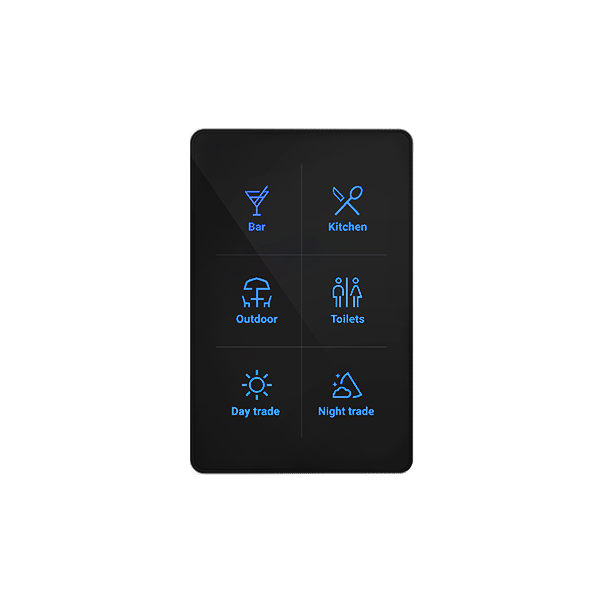
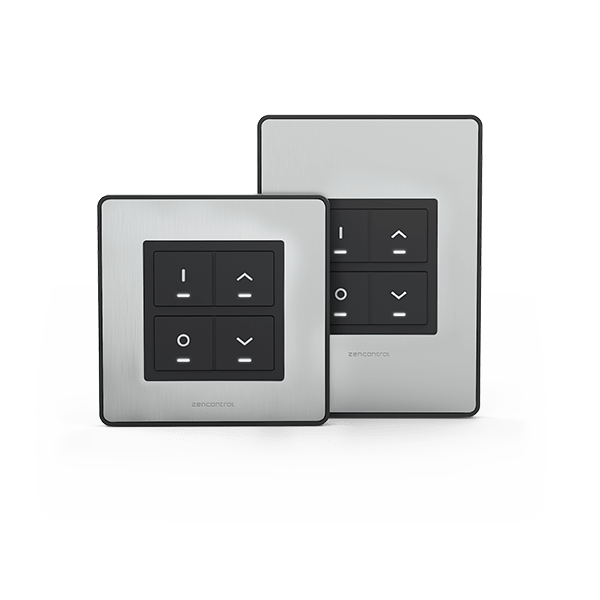
Smart switch with six buttons
DALI scenes & groups
Go to
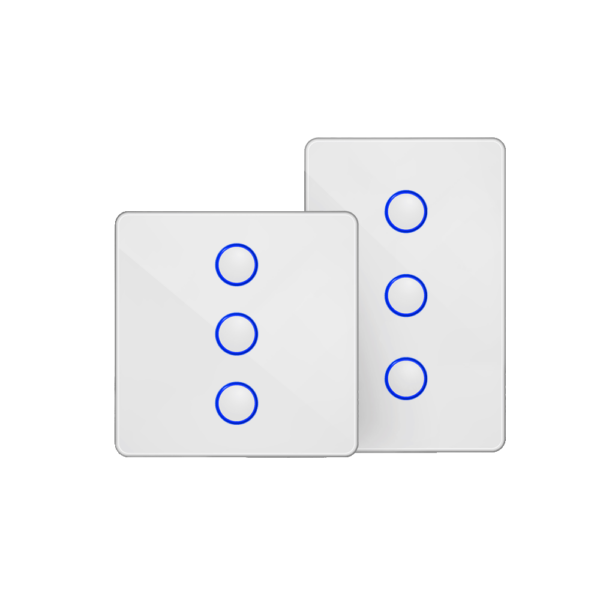
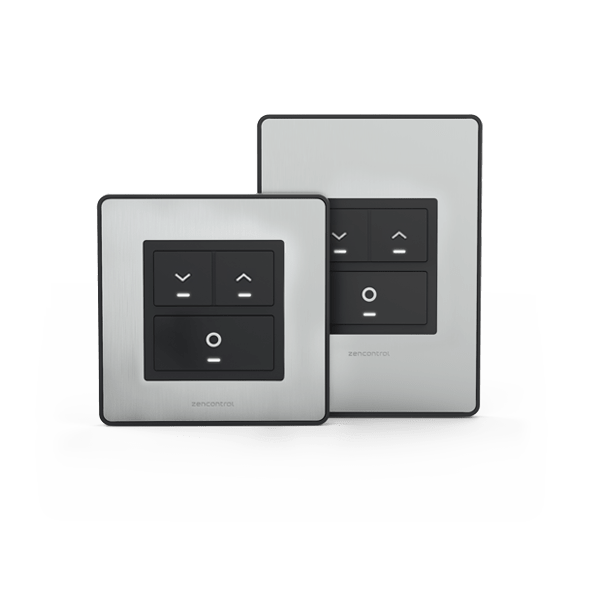
Smart switch with three buttons
DALI scenes & groups
Go to
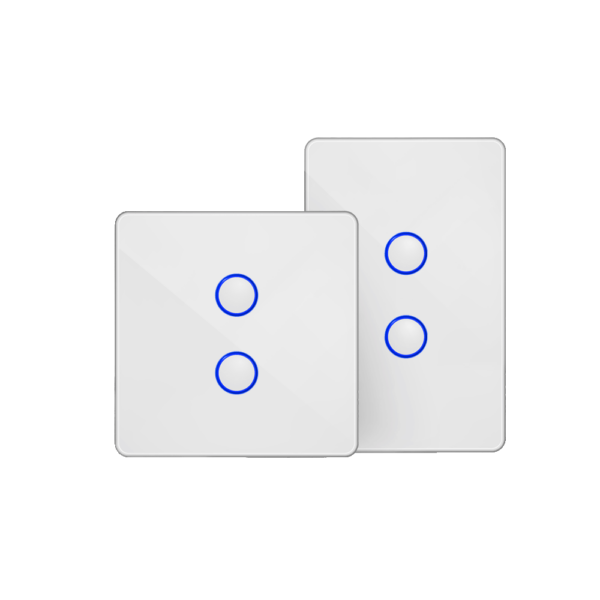
Smart switch with two buttons
DALI scenes & groups
Go to
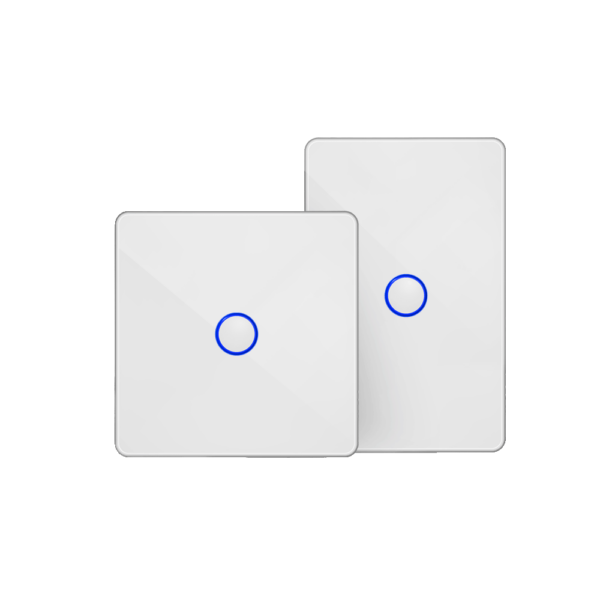
Smart switch with one button
DALI scenes & groups
Go to
Smart touch switch
DALI scenes & groups
Go to
Smart Rotary
DALI scenes & groups
Go to
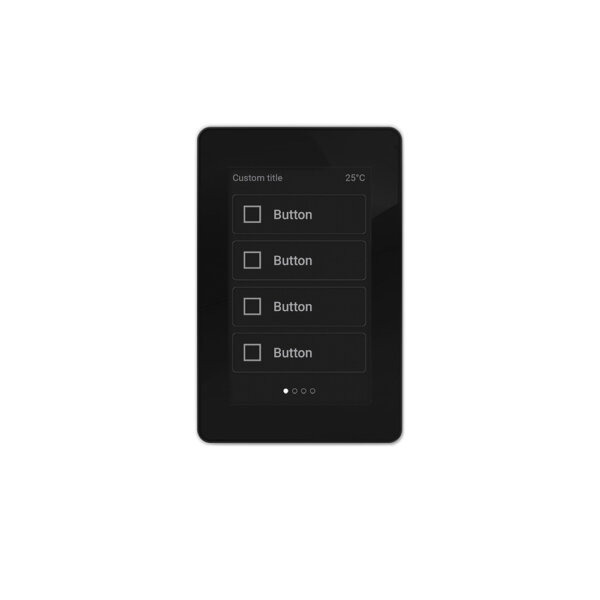
Smart switch display
DALI scenes & groups
Go to
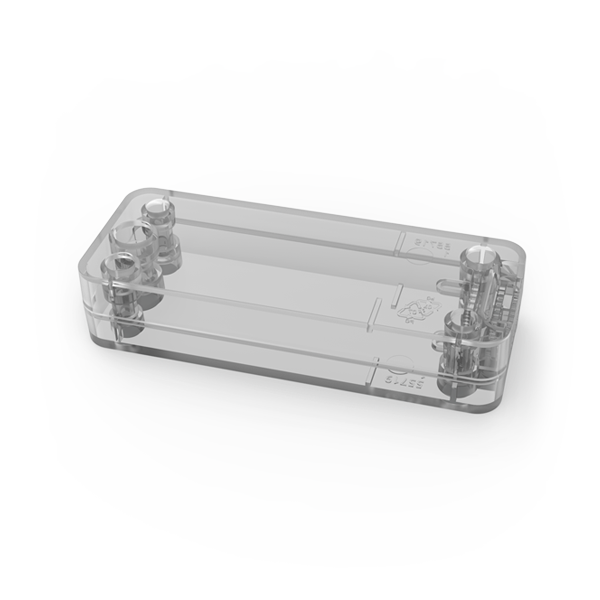
Field mount kit
DALI scenes & groups
Go to
Wireless bridge
DALI scenes & groups
Go to
Blind control Scenepanel
DALI scenes & groups
Go to
Scenepanel dimmer
Scroll
Recent news
  • Guangzhou International Lighting Exhibition 2026 June 17, 2026
  • Light+Building 8 – 13 March 2026 January 12, 2026
  • Merry Christmas from zencontrol December 8, 2025
  • 2025 Lighting Industry Excellence Awards November 4, 2025
  • Case-study – Nuriyah Cafe June 4, 2025
Cloud sign in

Sign in or register to the Cloud to manage your building with an unprecedented level of control and functionality.

Sign in

Not signed up?

Click here.

Contact

Australia: support@zencontrol.com
Denmark: info@zencontrol.dk
United Kingdom: info@zencontrol.co.uk
India:
solutions@zencontrol.co.in
China:
+86 769 8915 0328-801

Cant find your country?
See all distributors
Become a distributor
Become a Solutions provider

©2024 zencontrol / Terms of use / Privacy policy / Cookie policy / Integration / Software / Cloud / Products / Downloads / All images are for illustrative purposes and are subject to change